Art of Portraits Photography Photography Tips
Smartphone Photography: How to Overcome Sensor Size Limitations and Elevate Your Images
Capturing images with smartphones has transformed how we document everyday life, making high-quality visuals accessible to all. Yet, even top-tier devices face a common challenge sensor size. These compact sensors often struggle with fine detail, affecting the final image.
Why Sensor Size Matters in Smartphone Photography?
Unlike DSLRs or mirrorless cameras, smartphone photography relies on compact sensors. These smaller sensors capture less light and detail, which can result in:
- Reduced texture in skin and fabrics
- Limited dynamic range
- Higher noise in low-light conditions
Understanding this limitation is the first step toward improving your smartphone photography results.
Shoot in RAW for Maximum Flexibility
One of the most effective ways to counteract sensor limitations in smartphone photography is by shooting in RAW format. Unlike JPEG, which compresses and discards data, RAW files preserve:
- Full color information
- Greater dynamic range
- Fine tonal details
This extra data gives you more control during editing, perfect for adjusting exposure, color balance, and texture.
Tip: Most flagship smartphones, including the Google Pixel 10 Pro and Sony Xperia series, support RAW capture. Enable this in your camera settings before shooting.
Case Study: Pixel 10 Pro Portrait
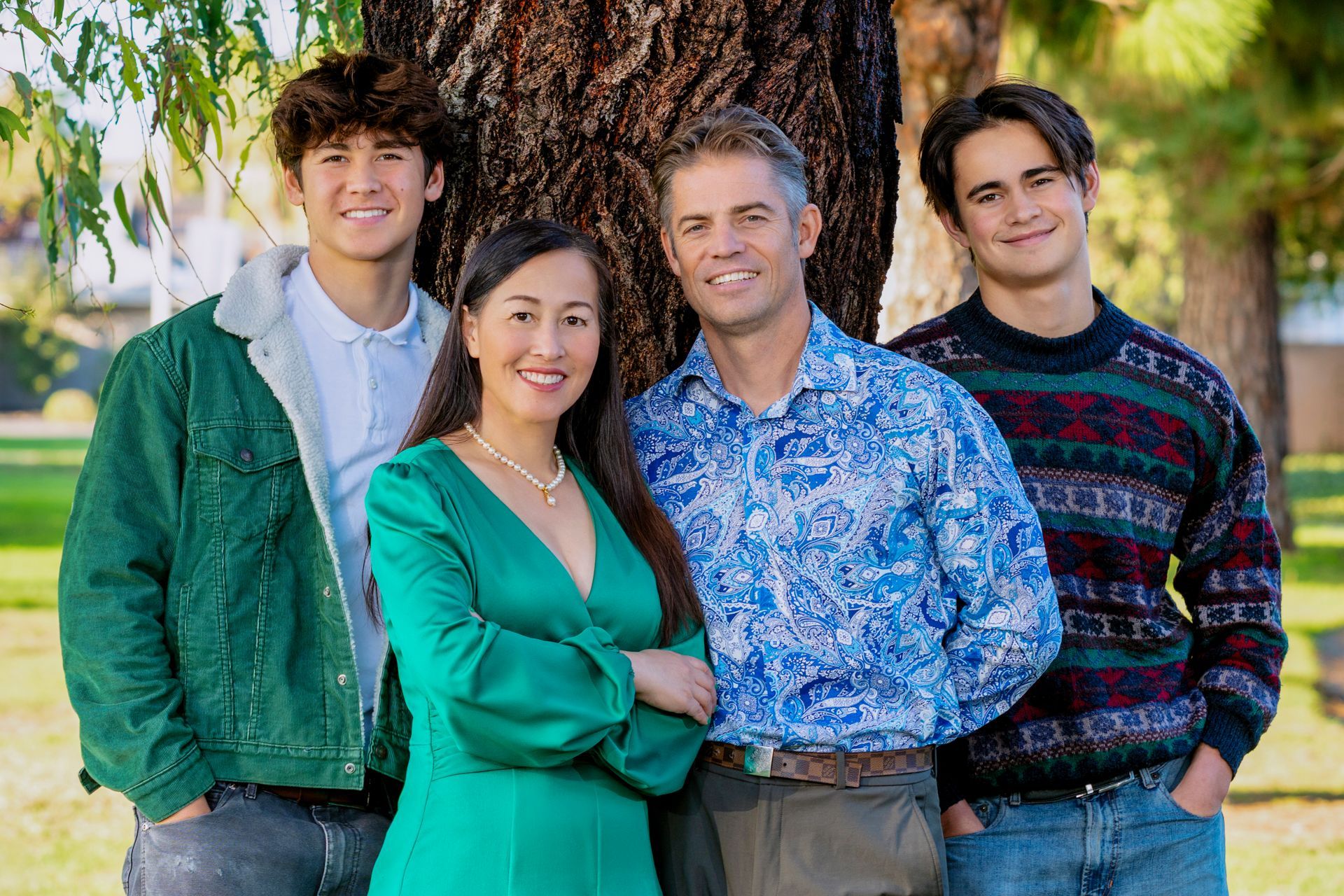
A recent portrait using the Pixel 10 Pro in RAW mode demonstrated both the strengths and limitations of smartphone photography. The initial image appeared well-composed but lacked texture detail, a common issue with compact sensors. During post-processing, the photographer enhanced texture by adjusting clarity and texture sliders, bringing out fine details in skin and clothing. Color tones were fine-tuned to achieve a natural yet vibrant look, and highlights and shadows were balanced to recover blown areas and add depth. The final result was a polished portrait with a professional feel, despite being captured on a smartphone.
Post-Processing Workflow for Smartphone Photography
Here’s a simple workflow for editing RAW smartphone photography images:
- Import into a RAW editor (Lightroom, Capture One, or Snapseed for mobile).
- Start with exposure and white balance, get the basics right.
- Enhance texture and clarity, but avoid overdoing it to keep skin natural.
- Fine-tune color tones, adjust vibrance and saturation for balance.
- Sharpen and export, apply subtle sharpening before saving.
Final Thoughts
Smartphone photography is all about making the most of what you have. By shooting in RAW and mastering post-processing, you can elevate your images beyond the limitations of small sensors. Whether you’re using a Sony Xperia or the latest Google Pixel, these techniques will help you create photos that stand out.
Share