How to Create Consistent Headshots for Distributed Teams

A new hire in Austin should look like they belong beside a founder in New York and a sales leader in Seattle. That is the real standard when learning how to photograph distributed teams: not simply collecting pleasant individual portraits, but creating a unified visual system that makes the organization feel connected wherever people work.
For marketing, HR, and people-operations teams, headshots often become the most visible expression of a distributed culture. They appear on leadership pages, LinkedIn profiles, recruiting materials, internal directories, press announcements, proposals, and event signage. When the imagery varies too widely in lighting, framing, retouching, or mood, the brand can feel fragmented before anyone reads a word.
Start With a Visual Standard, Not a Scheduling Request
The most successful distributed-team photography begins with creative direction. Before photographers are booked or calendars are opened, define what the finished images need to communicate. Is the organization established and authoritative, warm and approachable, modern and innovative, or a considered balance of all three?
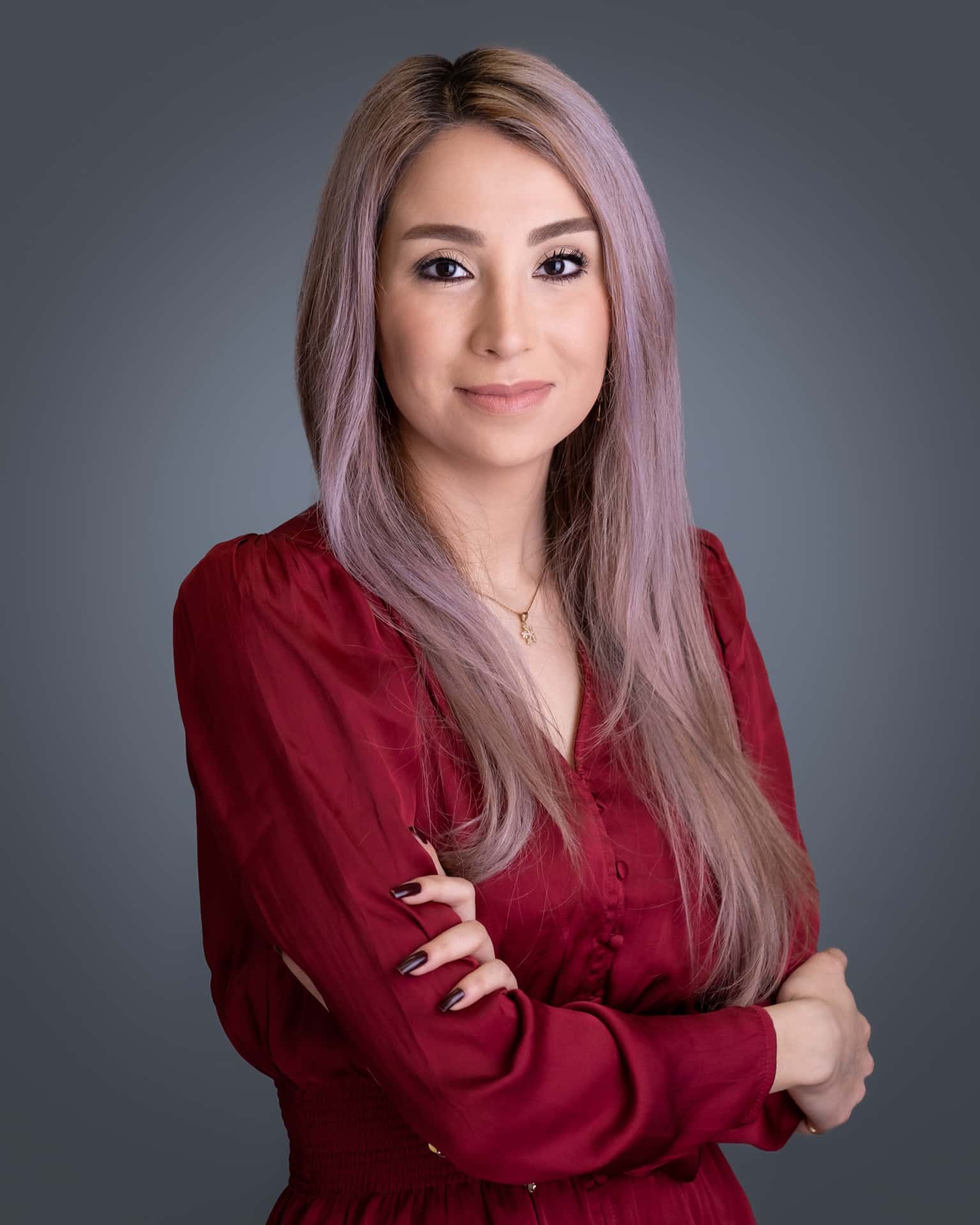
A visual standard should address the essentials: background color and texture, crop, camera height, pose range, lighting style, wardrobe guidance, retouching level, and final file specifications. It should also clarify where the images will live. A close, expressive portrait may be ideal for a founder-led brand or social media campaign, while a more consistent chest-up crop may serve an executive directory and recruiting site better.
This direction does not need to make every person look identical. In fact, it should not. A strong standard preserves personality while establishing shared visual rhythm. The goal is recognizable cohesion, not a row of interchangeable faces.
How to Photograph Distributed Teams Across Multiple Cities
A distributed photo program needs one creative brief, one approval process, and a reliable way to carry both across locations. That is what protects the work from becoming a patchwork of different studios, styles, and interpretations.
Build a practical shot brief
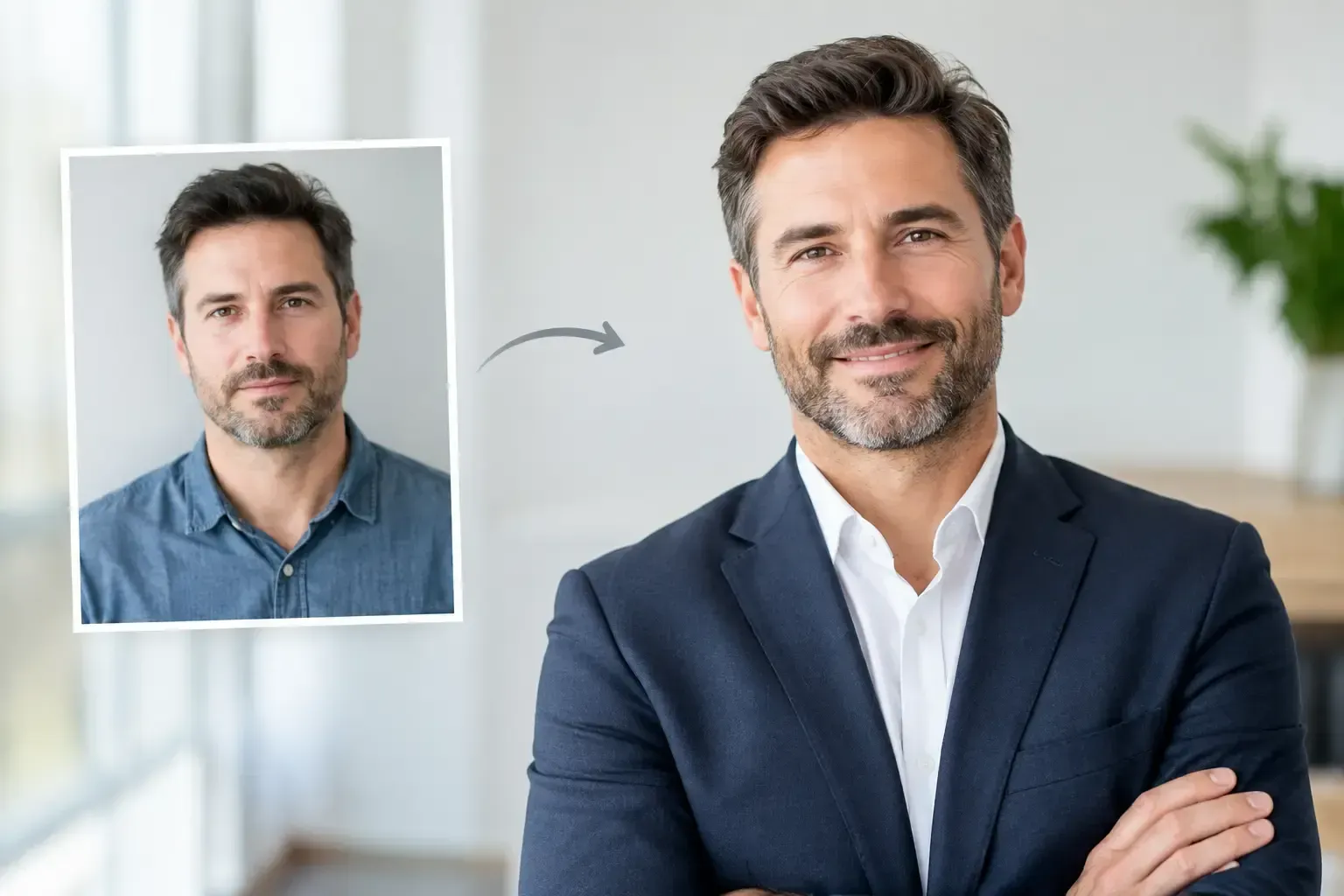
Create a concise brief that a photographer, coordinator, and participant can understand quickly. Include reference images that show the desired expression, crop, background, and lighting. Specify whether the subject should face slightly left or right, how much negative space is needed around the head and shoulders, and whether the final images should feel editorial, traditional, or environmental.
This is also the moment to decide whether every employee needs the same treatment. Executive leadership may require a more art-directed portrait with a refined setting, while a larger employee group may benefit from a streamlined on-location headshot station. Both can belong to the same brand when lighting, color, and framing are coordinated.
Choose locations that support the look
A studio is useful when consistency is the highest priority, but it is not the only answer. Offices, coworking spaces, hotels, and rented production spaces can all work well when the photography setup is designed intentionally.
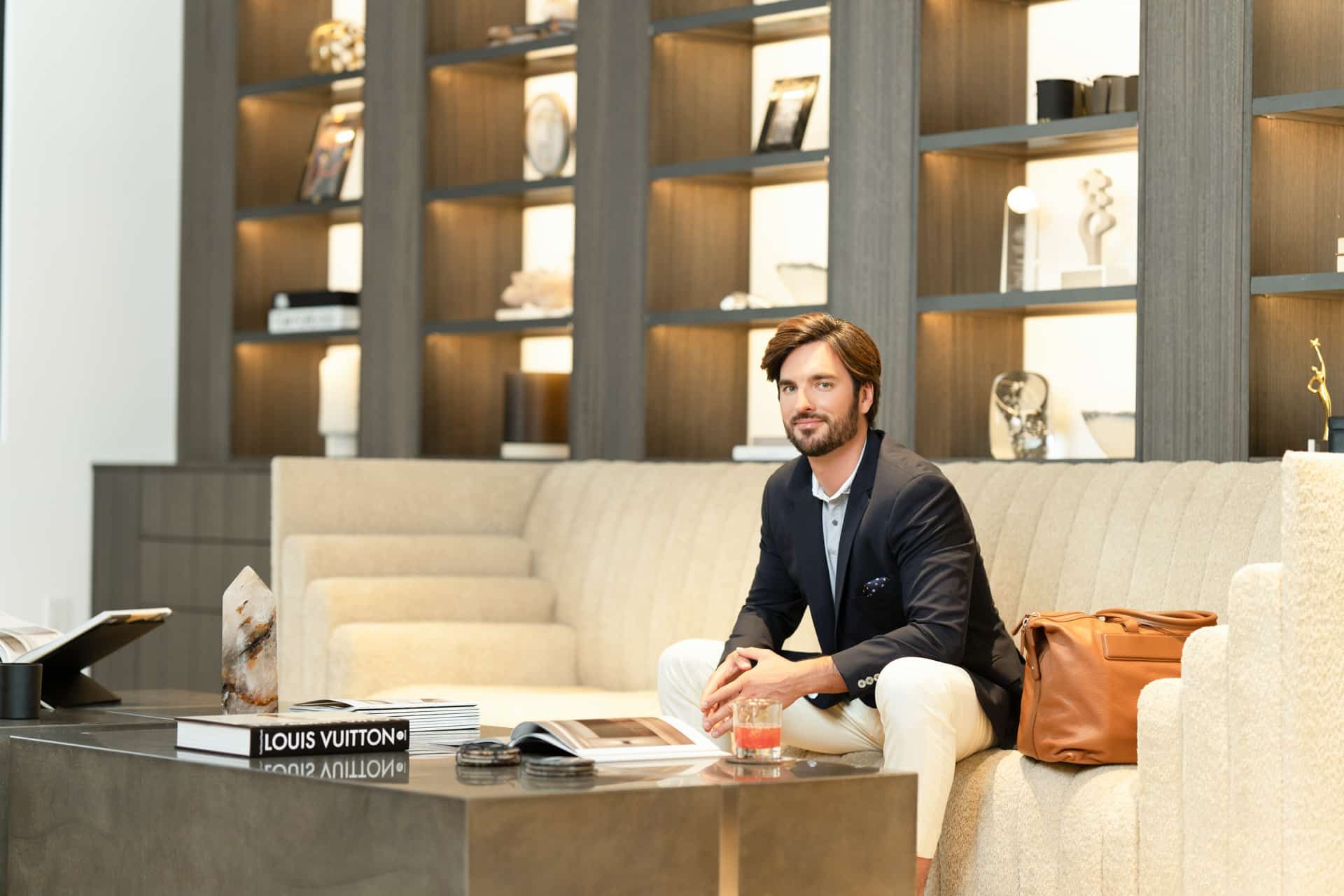
For a clean, uniform headshot program, a portable background and controlled lighting often offer the most predictable result. For a more human, culture-forward campaign, a carefully selected office environment can add context without distracting from the subject. The trade-off is greater: natural light changes, interior colors can affect skin tones, and busy backgrounds date quickly. If environmental portraits are part of the plan, establish clear guidelines for depth of field, color palette, and background activity.
Use local photographers, central direction
Flying one photographer from city to city can create continuity, particularly for a small executive group or a highly stylized campaign. Yet for larger organizations, a network of vetted local photographers is often more efficient, more flexible, and easier on the production budget.
The key is central direction. Each photographer should receive the same brief, reference gallery, equipment expectations, and delivery instructions. A pre-production conversation is valuable for aligning on the light pattern, lens perspective, background placement, and participant flow. If the team will be photographed over several months, document the setup carefully so future sessions can match the original look.
Make Participation Easy for Busy Employees
A polished outcome depends partly on what happens before the camera comes out. Participants who know what to expect arrive more relaxed, better prepared, and less likely to need a reshoot.
Send wardrobe guidance that is specific without being restrictive. Solid colors and refined textures generally photograph well. Very small patterns, bright neon shades, and clothing with prominent logos can pull attention from the face. Encourage employees to choose clothing that feels aligned with their role and comfortable enough to wear with confidence.
Keep session instructions equally clear. Tell participants how long the appointment will take, whether hair and makeup support is available, what the background will look like, and how images will be selected. A short appointment window, often 10 to 15 minutes for a standardized headshot, respects a full calendar while giving the photographer enough time to create authentic expression.
For remote employees who cannot attend a regional session, do not ask them to improvise with a phone in a spare bedroom unless that informal look is truly part of the brand. Schedule them with a local professional who can follow the established creative direction. The convenience of a quick self-portrait rarely outweighs the cost of visual inconsistency on a company website.
Plan the Production Around Business Reality
Distributed teams have different time zones, travel schedules, office attendance patterns, and hiring cycles. A photography plan that ignores those realities becomes difficult to complete.
Start with a rollout sequence. Many organizations photograph executives first, then high-visibility client-facing teams, followed by regional offices and remote employees. This creates a usable first set of assets while the broader program continues. It also allows the creative team to review the first session and make small adjustments before repeating the setup at scale.
Offer more than one booking window in each market when possible. Early morning, lunch-hour, and late-afternoon appointments can improve participation. For offices with a large headcount, an on-site coordinator can keep the day moving, confirm attendance, and direct employees to the shooting area without placing the burden on a marketing lead.
A contingency plan matters as well. People get sick, travel changes, and new employees join after the original shoot. Establish an ongoing process for additions so the directory does not slowly lose its visual discipline. That may mean quarterly regional sessions, a preferred local photographer in key markets, or a simple request pathway for managers and new hires.
Preserve Consistency in Editing and Delivery
Photography consistency is not finished at capture. It is completed in post-production, where exposure, color, skin retouching, crops, and file naming must be managed with equal care.
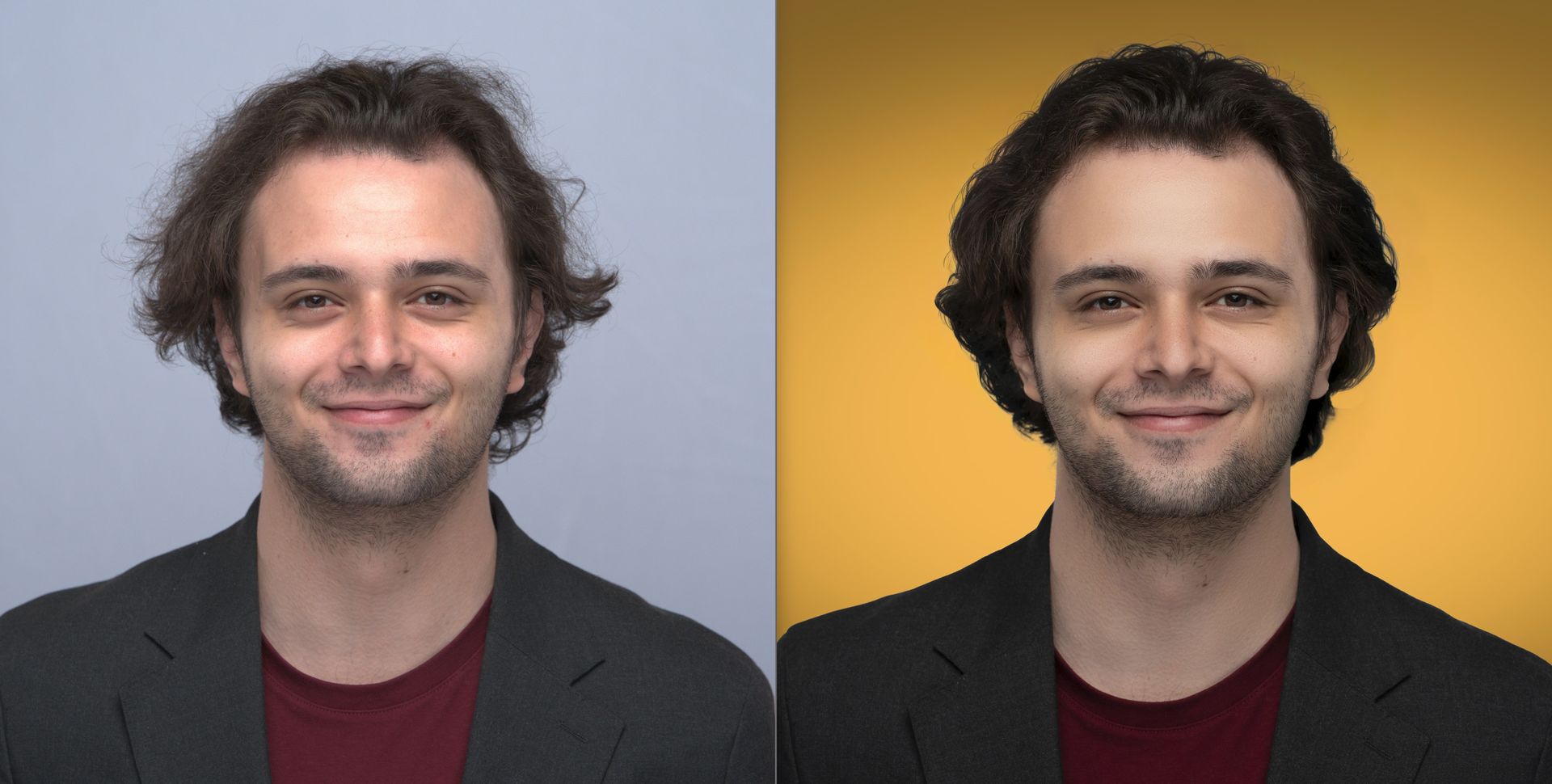
Use one retouching standard across the entire program. Professional retouching should refine temporary distractions and balance the image without removing the character that makes a person recognizable. Over-retouching can make a leadership team look artificial; inconsistent retouching can make one employee appear more polished than another. The best result is subtle, flattering, and credible.
Create delivery rules before the first gallery is sent. Determine the primary crop for web use, the dimensions needed for social platforms, and whether print-ready files are required. Name files consistently so a marketing or HR team can locate images without opening dozens of folders. A proofing process gives participants appropriate input while protecting the organization from a collection of mismatched final selections.
It is also wise to maintain a secure master archive. When a designer needs a new website crop or a communications team needs a high-resolution portrait for a media request, the right file should be available without recreating the work.
Measure More Than Attendance
A full appointment calendar is useful, but it is not the only measure of success. Review how the images perform in their intended context. Do employee profiles look cohesive on the website? Are new hires receiving portraits promptly? Has the recruiting team gained stronger material for candidate-facing communications? Are employees actually using the approved images on professional channels?
These observations shape the next round of photography. A company expanding rapidly may need a lighter, repeatable process. A company entering a new market may need more expressive branding portraits for leadership and press. The right approach depends on the volume of people, the pace of hiring, and the visibility of the final assets.
At Art of Portraits, distributed team photography is treated as a coordinated brand production, not a collection of separate appointments. The most valuable result is a gallery where every individual is seen with care and every image contributes to a more confident organizational presence.
This approach is reflected in Art of Portraits’ Corporate Hub, which combines approved visual standards, multi-location coordination, new-hire portrait support, and centralized image management in an ongoing program. Its Schedule, Photograph, Deliver, and Manage workflow provides a structure for maintaining consistency across individual sessions.
When your people work in different places, their portraits can still speak in one clear visual voice. Start by defining the background, lighting, crop, and retouching in one shared brief before booking the first session. Give that voice a considered standard, a respectful process, and enough room for each person to look like themselves.
Build a Stronger Professional Image
From executive headshots to ongoing employee photography programs, Art of Portraits provides professional photography built around your organization.