How to Photograph Remote Teams With Consistency
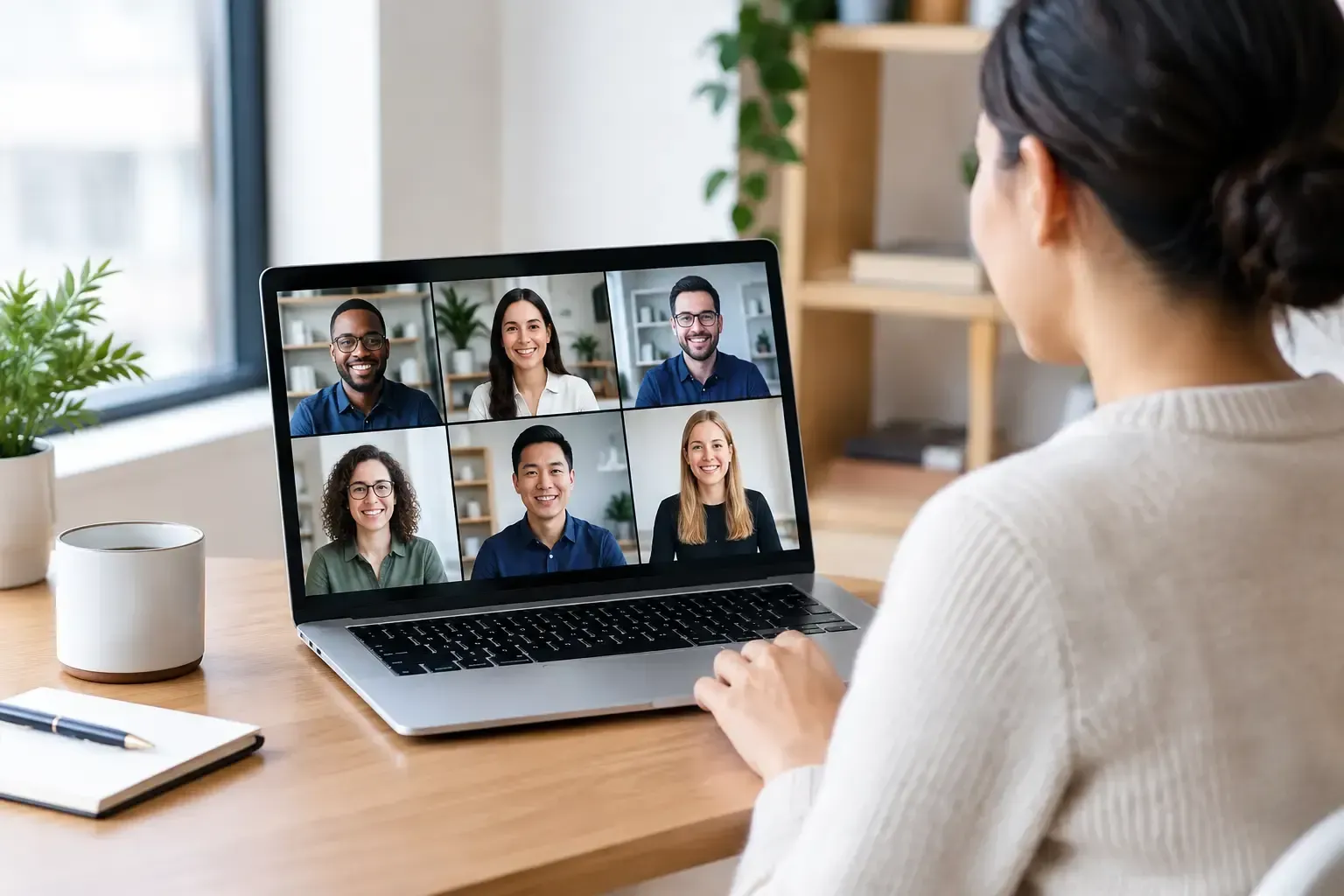
A remote team can be highly connected and still look fragmented to the outside world. When every LinkedIn profile, leadership page, proposal, and press announcement features a different style of headshot, the visual message is accidental. To photograph remote teams well, treat each portrait as part of one considered brand system - not as a collection of individual photo sessions.
The goal is not to make everyone look identical. It is to give every person a refined, credible presence while creating visual continuity across locations, roles, and schedules. With the right creative direction and a practical production plan, distributed teams can look just as polished as a company photographed in one headquarters.
Start With the Brand, Not the Camera
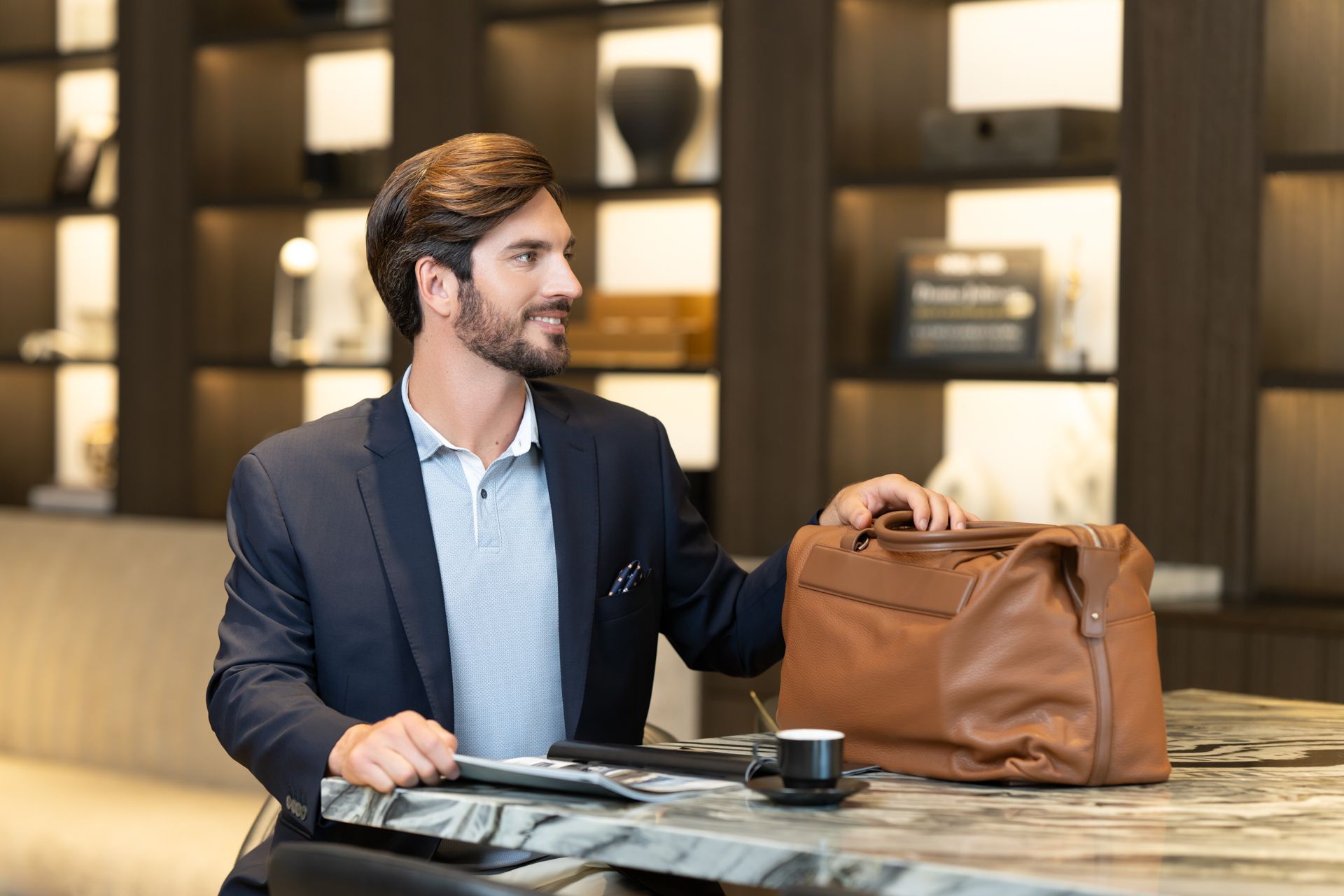
Before choosing backgrounds or sending calendar invitations, determine where the images will appear. A law firm’s attorney portraits may need calm authority for its website and media placements. A technology company may want a modern, approachable look that supports recruiting and employer branding. A personal-brand consultancy may need more environmental portraits with space for website copy and campaign graphics.
This early direction shapes every production choice: wardrobe guidance, crop, background color, lighting style, expression, and retouching. It also prevents a common problem with remote photography programs: each participant receives a technically good photo that does not belong with the others.
Create a concise visual brief that defines the intended feeling. Use language people can act on, such as warm and editorial, clean and executive, or energetic and contemporary. Include a small set of approved reference images, but clarify what makes them relevant. Is it the soft light, the neutral backdrop, the relaxed posture, or the framing? Specific direction gives photographers room to create while protecting brand consistency.
Choose the Right Production Model for Your Team
There is no single best way to photograph remote teams. The appropriate approach depends on team size, geography, timeline, budget, and the level of control the final imagery requires.
For a team concentrated in several major cities, coordinated local sessions with vetted photographers often produce the most polished result. Each photographer works from the same creative brief, while employees receive a professional, guided experience close to home. This model is especially effective for executive teams, client-facing professionals, and companies refreshing a full website.
If a large group will gather for an offsite, conference, or leadership retreat, a mobile studio setup can be highly efficient. A dedicated portrait station allows people to step away for a short session without adding travel or separate appointments. The trade-off is that schedules must be managed carefully so attendees are not pulled from essential meetings.
For organizations with employees in smaller markets or highly variable schedules, a hybrid model may be best. A central production team establishes the visual standard, then coordinates local appointments over a defined window. The process takes longer than an offsite studio day, but it respects the reality of distributed work and allows each employee to participate without unnecessary disruption.
Build a Clear, Low-Friction Scheduling Experience
Even an exceptional creative concept can lose momentum when scheduling becomes confusing. Remote employees are balancing client meetings, family commitments, time zones, and focused work. A portrait program should feel organized and accommodating from the first message.
Give employees a clear deadline, a simple booking path, and enough appointment options to make participation realistic. State the expected time commitment plainly. For most professional headshots, an individual session can be efficient without feeling rushed when the photographer is prepared and the creative direction is settled in advance.
The invitation should answer practical questions before they become objections: what to wear, whether makeup or grooming support is available, where the session will take place, what happens if someone needs to reschedule, and when final images will be delivered. It should also explain why the project matters. People arrive more confident when they understand that their portrait supports the company’s public presence as well as their own professional visibility.
For teams spanning North America, appoint one internal coordinator who can manage reminders, exceptions, and new hires. That single point of contact helps the photography partner protect the production timeline while reducing administrative pressure on marketing and people-operations teams.
Give People Wardrobe Guidance That Feels Personal
A brand-consistent portrait does not require a uniform. In fact, overly rigid wardrobe rules can make people look uncomfortable or unlike themselves. The better approach is to provide guardrails that photograph well while leaving room for personal style.
Recommend solid colors or restrained patterns, clothing that fits well while seated and standing, and garments employees feel confident wearing. Very small patterns, prominent logos, and highly reflective fabrics can create visual distractions, particularly when portraits are viewed at small sizes on company directories and social platforms.
Color guidance should respond to the chosen background and brand palette. A darker backdrop may call for lighter or mid-tone clothing that separates the subject from the background. A bright, neutral setting gives more flexibility but still benefits from thoughtful contrast. When the company uses a distinctive color in its identity, that color can be incorporated selectively rather than requiring every person to wear it.
Make the guidance inclusive. Provide examples across different presentations, styles, and comfort levels. The objective is not to make employees perform a version of professionalism that feels foreign to them. It is to help each person appear prepared, confident, and recognizable.
Standardize the Details That Viewers Notice
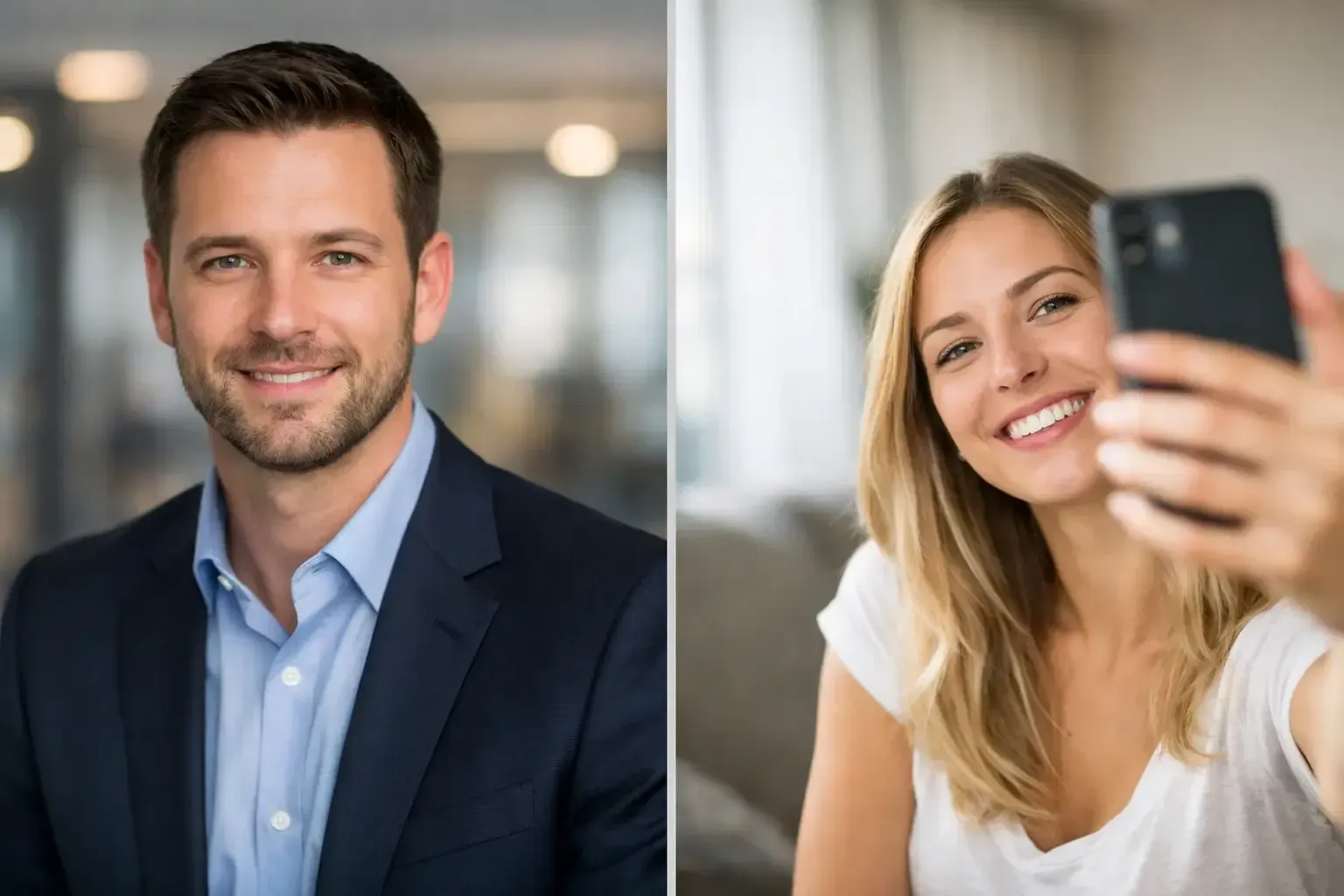
Consistency is created in the details viewers often cannot name. When portraits sit beside one another on a leadership page, mismatched camera heights, crop ratios, backgrounds, and light direction become immediately apparent.
Set standards for framing before the first session begins. Decide whether the final images will be head-and-shoulders portraits, three-quarter portraits, or a combination. Confirm whether subjects should face camera directly or turn slightly, and whether the image needs negative space for layout flexibility. These decisions should be documented, not left to individual interpretation.
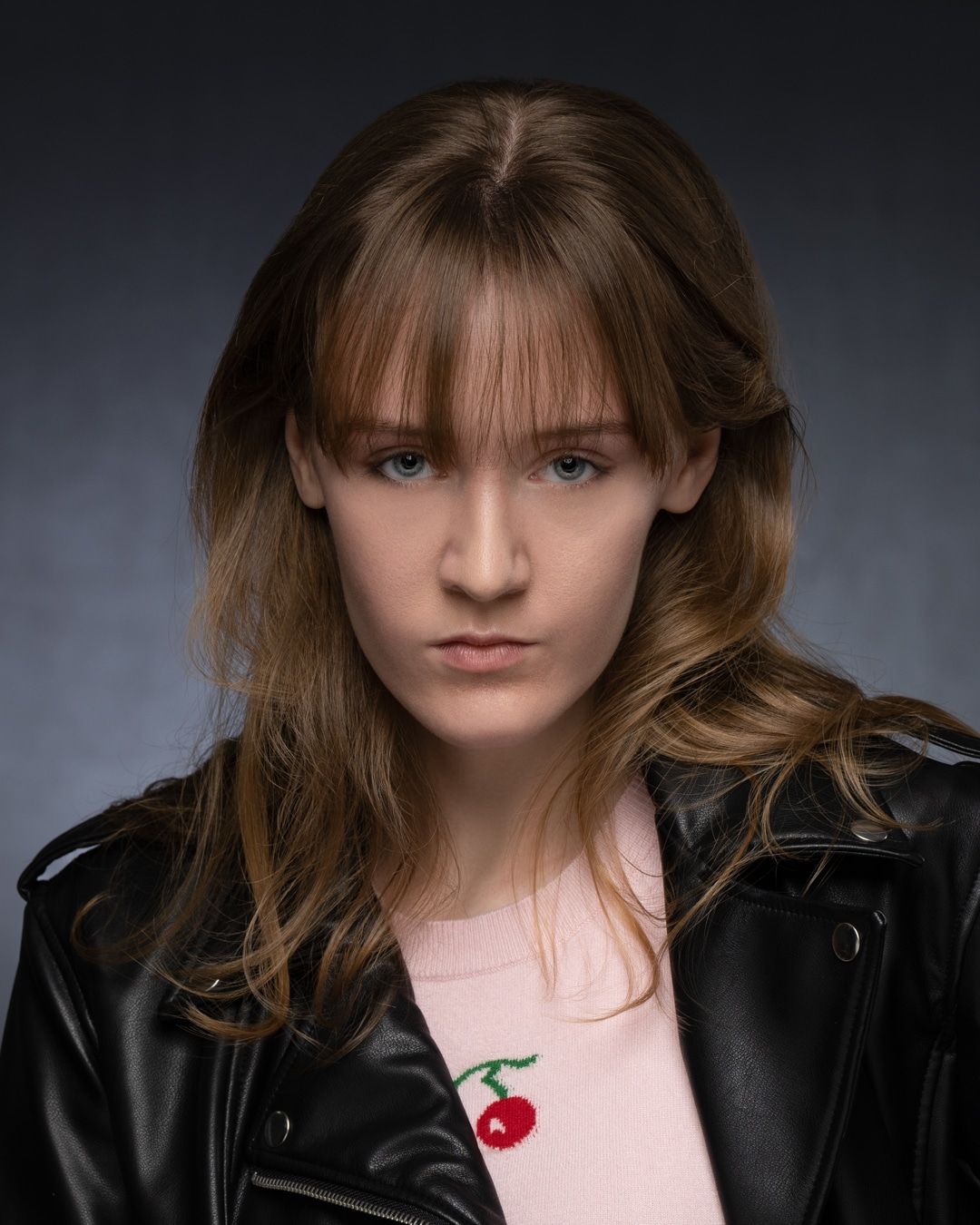
Lighting deserves the same discipline. The goal is not necessarily to reproduce the exact setup in every city, but to reproduce its visual character. A soft, dimensional portrait with a subtle shadow pattern can be matched across locations when photographers understand the intended result and work from shared references. A good production lead reviews early test images, gives precise feedback, and adjusts before the project expands.
Backgrounds should be equally intentional. A uniform studio background offers the strongest consistency and works well for corporate directories, presentations, and recruiting pages. Environmental backgrounds can feel more natural and brand-rich, but they require greater coordination. If office settings vary dramatically from city to city, environmental portraits may make the team look less unified unless the architecture, color, and depth of field are carefully controlled.
Keep the Session Human, Not Mechanical
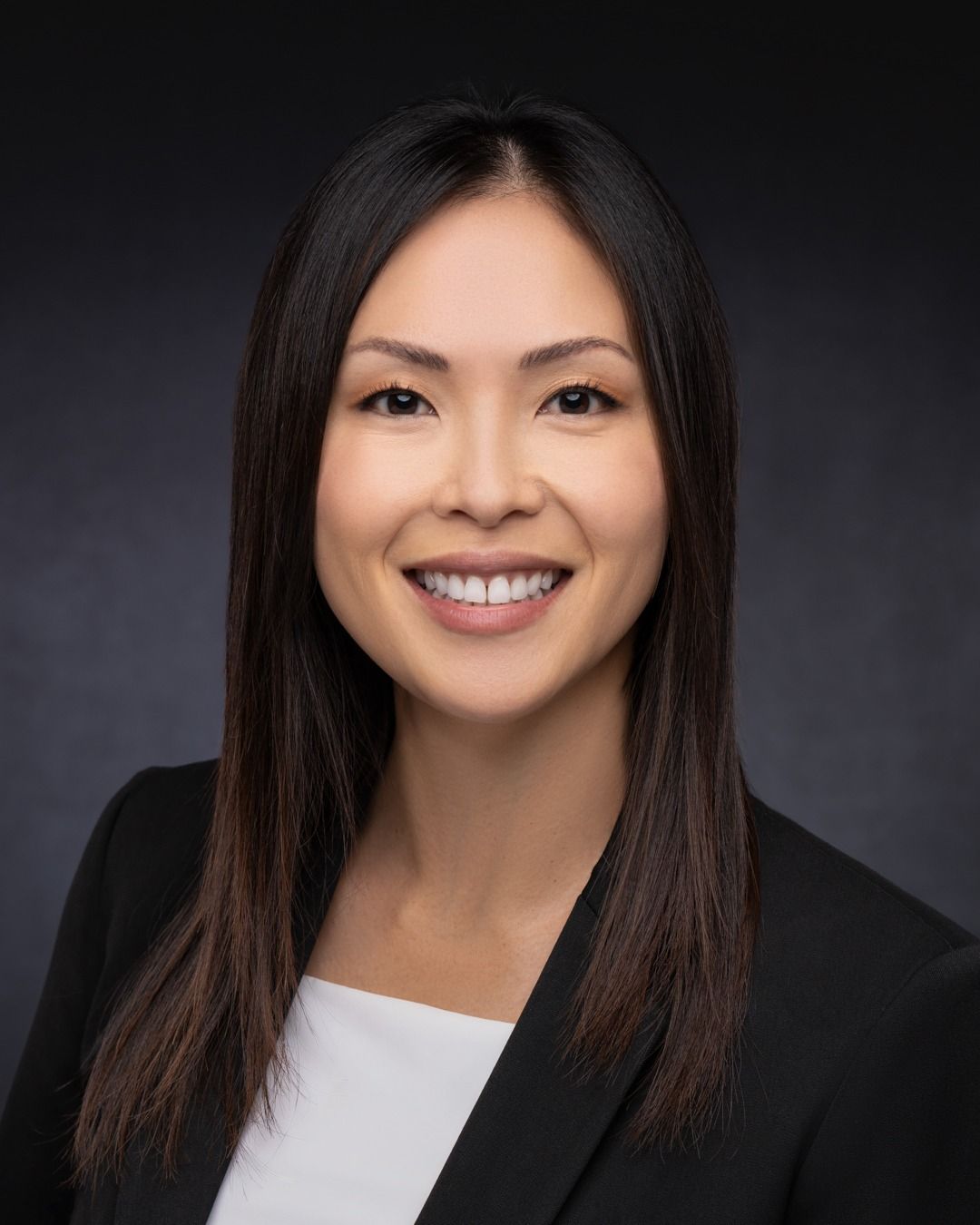
Efficiency matters, but employees should never feel like they are moving through a passport-photo line. The strongest professional portraits reveal poise, warmth, and individuality - qualities that cannot be manufactured by asking everyone to hold the same expression.
A skilled photographer gives simple, specific direction: adjust the shoulders, shift weight, bring the chin forward slightly, relax the hands, then pause. These small refinements help people who do not enjoy being photographed feel supported rather than scrutinized. Conversation also matters. A calm, assured presence behind the camera can turn visible tension into a more natural expression within minutes.
For executives and public-facing leaders, build a little more session time into the schedule. Their images may be used in investor materials, keynote promotions, media features, and executive communications, so it is worth capturing a broader range of expressions and crops. The additional flexibility creates a more useful image library without requiring another shoot later.
Design Proofing and Retouching for Real Business Use
The session is only one part of the experience. A well-managed proofing process helps participants feel represented while keeping the final collection on brand. Give each person a curated set of strong options rather than an overwhelming gallery of near-duplicates. If the organization needs approval authority, establish that workflow before images are selected.
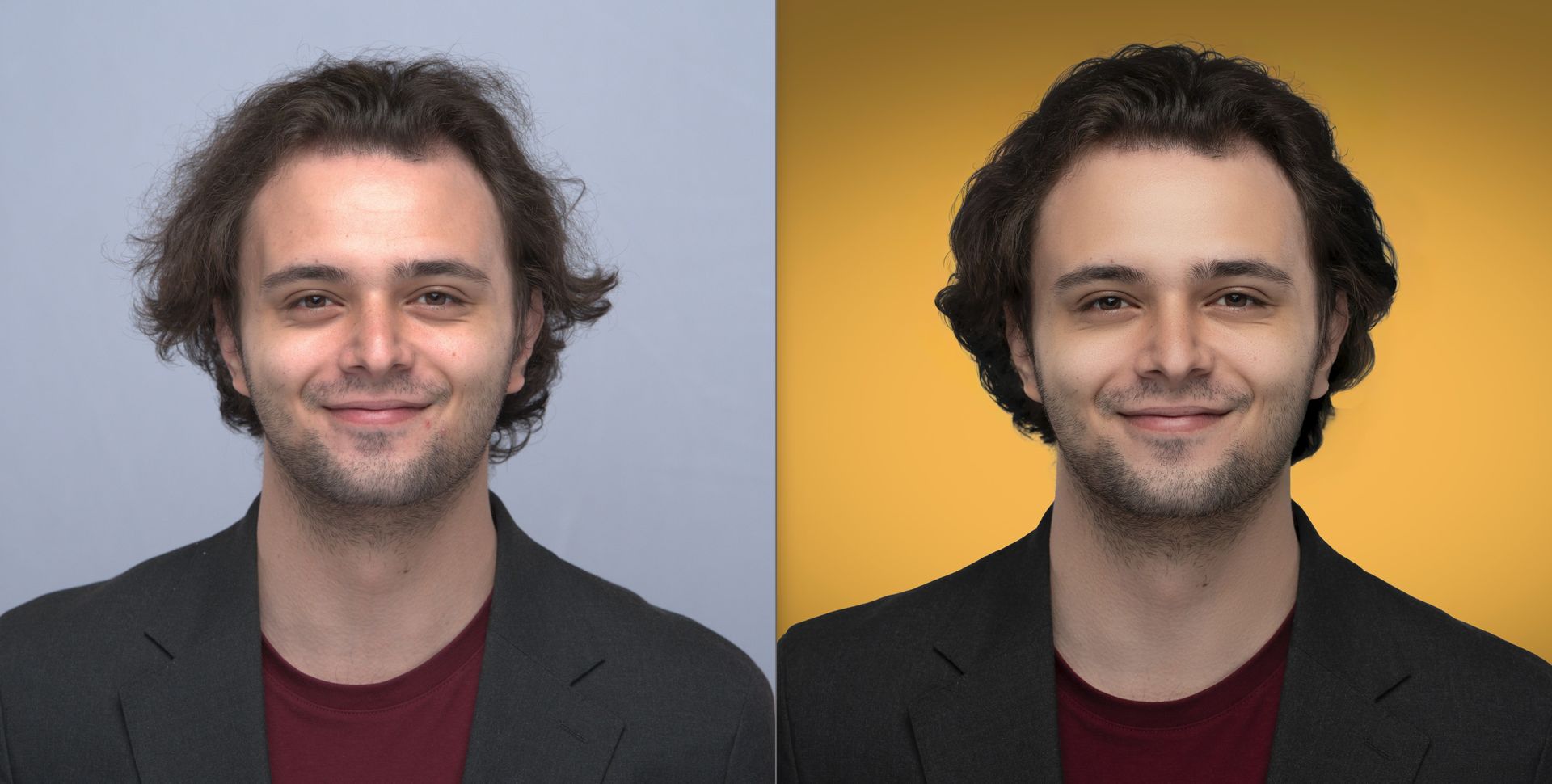
Professional retouching should be polished and restrained. Remove temporary distractions, refine tone and color, and preserve the features that make a person look like themselves. Heavy smoothing and dramatic alteration may appear artificial, especially when portraits are viewed alongside video calls and in-person interactions.
Prepare final files for the places they will actually live. A high-resolution portrait supports print, press, and large-format use; web-ready files support websites and internal platforms; square or vertical crops work well for social channels and profile images. Consistent naming and organized delivery save marketing teams from searching for the right file months after the project ends.
Plan for New Hires Before Launching
A team portrait program is not complete when the final gallery is delivered. Organizations grow, roles change, and leaders move between markets. If new employees are photographed six months later with no continuity plan, the original investment begins to lose value.
Preserve the creative brief, lighting reference, background specifications, crop standards, and retouching approach. A distributed photographer network can make it possible to add new team members in different cities without restarting the creative process each time. For companies that hire frequently, establishing an ongoing portrait program is often more efficient than arranging a new initiative for every group of employees.
Art of Portraits approaches this work as both an art-directed portrait experience and an operationally disciplined production. That balance allows a growing organization to present its people with consistency while giving each individual the attention a meaningful professional image deserves.
The most effective remote-team portraits do more than fill profile boxes. They show clients, candidates, and colleagues that real people stand behind the work - prepared, connected, and ready to be seen.
Share