How to Pose LinkedIn Photos With Confidence
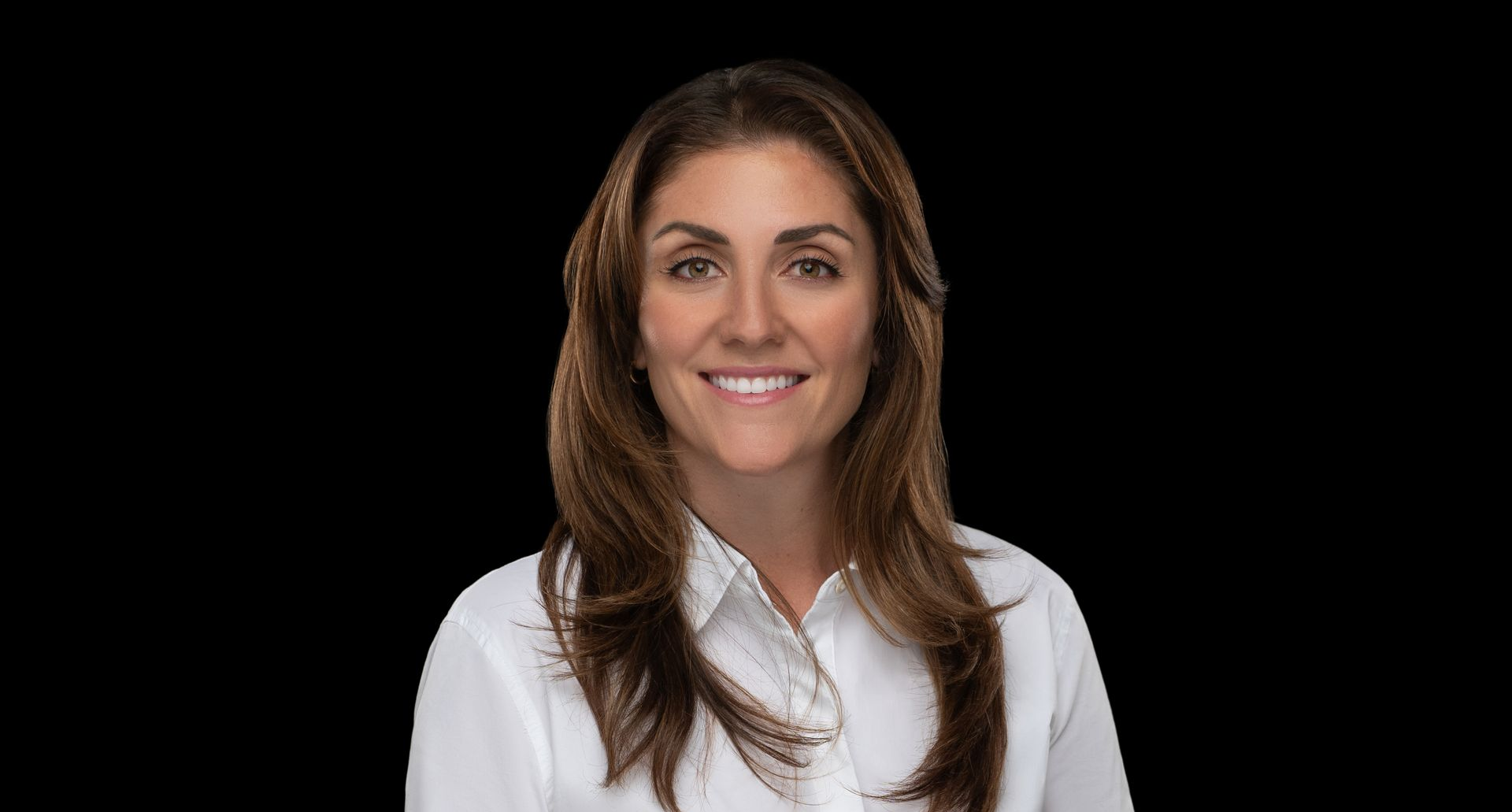
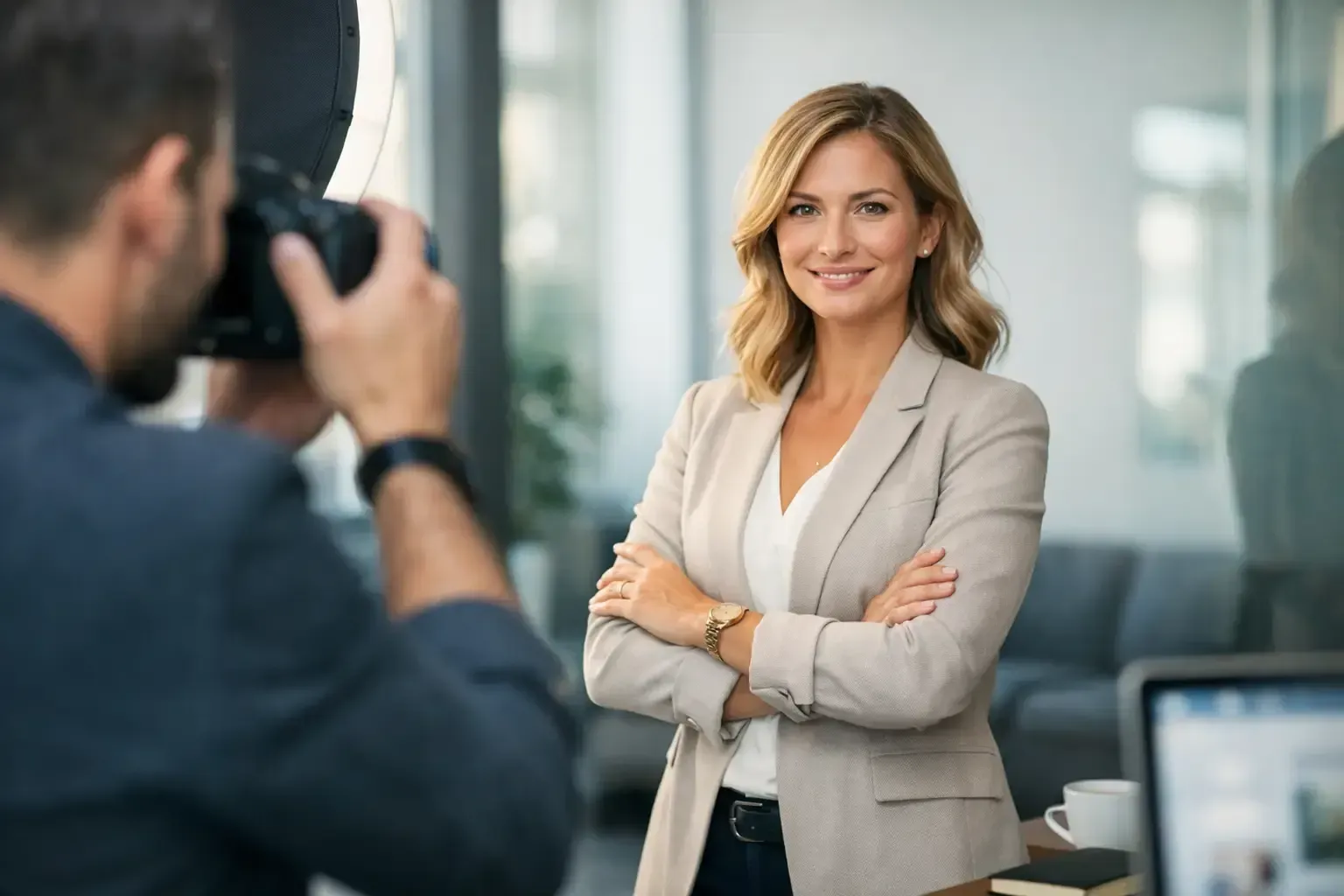
A LinkedIn photo has a small but demanding job. It needs to make you recognizable, credible, approachable, and aligned with the level of work you want to attract, often in less time than it takes someone to scroll past your name. The question of how to pose LinkedIn photos is not about looking overly formal or performing a version of confidence that does not feel like you. It is about creating a polished, natural portrait that gives your professional presence the attention it deserves.
The strongest poses are rarely dramatic. They are intentional: a relaxed stance, an open expression, thoughtful camera connection, and a composition that keeps the focus where it belongs - on you.
How to Pose LinkedIn Photos for a Strong First Impression
Start by deciding what you want your image to communicate. An executive may want calm authority. A consultant may want warmth and clarity. A creative director may need an image with more personality and visual edge, while an attorney, financial advisor, or job seeker may benefit from classic restraint. There is no single pose that works for every career. The right approach depends on your industry, your audience, and the personal brand you are building.
That said, nearly every effective LinkedIn portrait shares a few qualities: the subject looks comfortable, their posture appears energized rather than rigid, and the image feels current. It should look like someone a client, recruiter, colleague, or prospective employer would feel confident meeting.
Turn your body slightly away from the camera
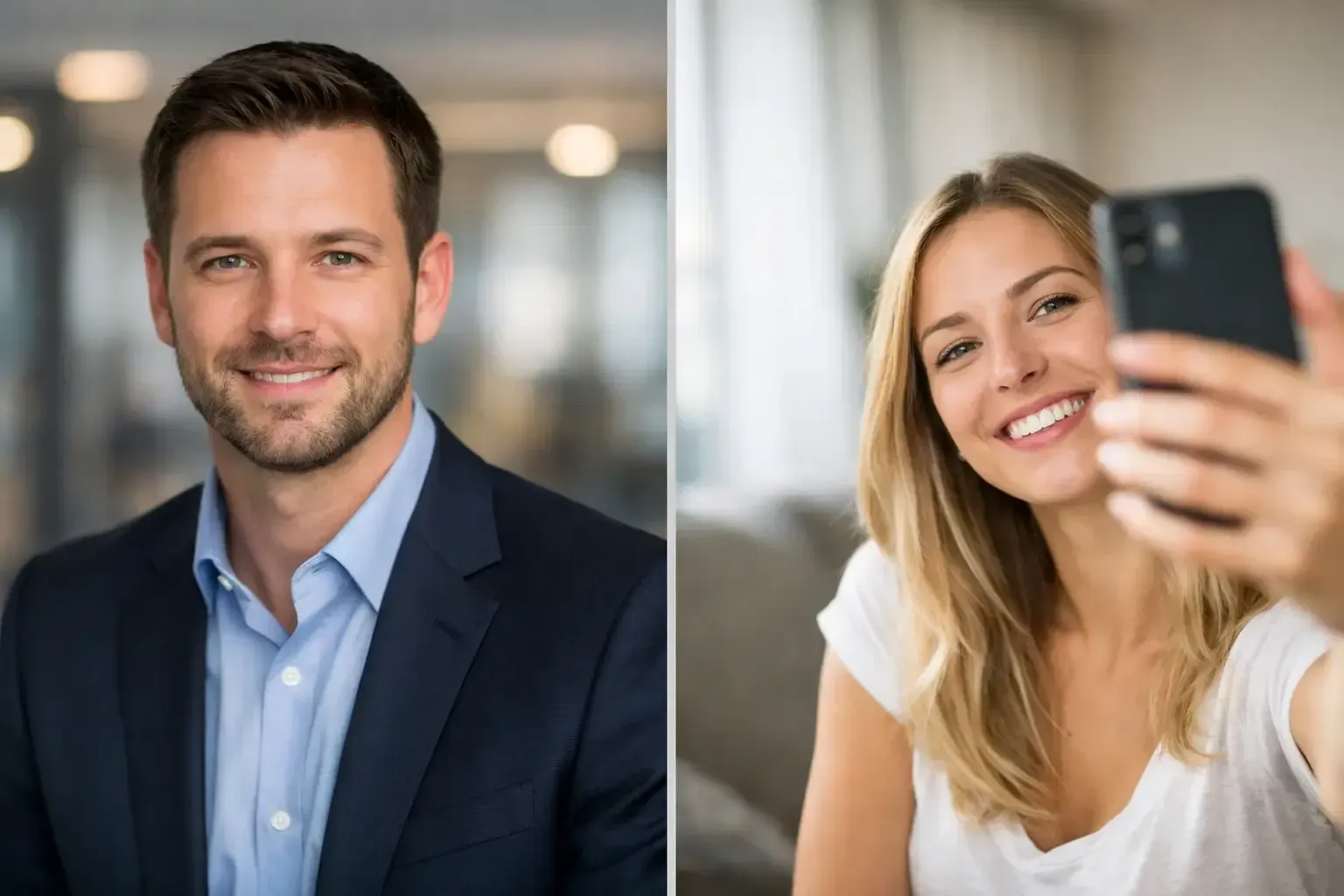
Facing the camera squarely can work for a direct, executive look, but it can also feel stiff if your shoulders and expression are tense. For most professionals, turning the body slightly to one side creates a more natural line through the shoulders and adds subtle dimension to the portrait.
Try a modest angle rather than a full profile. Keep one shoulder a little closer to the camera, then turn your face back toward the lens. This approach narrows the visual width of the body, gives the image shape, and keeps the attention on your eyes. A photographer can refine the angle based on your posture, wardrobe, and the crop required for LinkedIn.
If you are seated, sit toward the front third of the chair instead of leaning back. This helps lengthen the spine and prevents the posture from looking passive. Place your feet firmly on the floor and let your shoulders settle down rather than pulling them too far back.
Lead with relaxed, upright posture
Good posture is not military posture. When people try too hard to stand tall, they often raise their shoulders, tighten their neck, and lose the ease that makes a portrait feel believable. Think of lengthening through the top of your head while allowing your shoulders to fall naturally.
A small shift of weight can make a major difference. Instead of distributing your weight evenly on both feet, place slightly more weight on your back foot or one hip. This creates a more relaxed stance and avoids the frozen appearance that can happen when someone stands straight on.
For a head-and-shoulders LinkedIn crop, posture still matters. Your camera-facing shoulder should not creep upward, and your chin should not pull back into your neck. A subtle extension of the chin forward and slightly down defines the jawline without looking forced. It may feel unusual in the moment, which is precisely why direction from a professional photographer is valuable.
Let your hands support the portrait, not distract from it
Hands can be one of the most awkward parts of a business portrait, especially in a three-quarter or full-length personal-brand image. The simplest solution is often to give them a purpose. You might gently rest one hand at the wrist, place a thumb in a pocket, loosely hold a jacket lapel, or allow one arm to rest naturally at your side.
Avoid pressing your palms flat against your body, clenching your fists, or placing both hands deep in your pockets. These positions can make even a composed person look guarded. If your LinkedIn image will be tightly cropped, your hands may not appear at all. In that case, focus on shoulder position and expression rather than trying to create a complex pose outside the frame.
For entrepreneurs and creatives using wider LinkedIn profile or banner imagery, a simple standing pose can feel more editorial. Keep the gesture restrained. The goal is professional presence, not a fashion campaign, unless a bolder creative aesthetic genuinely fits your work.
Expression: The Difference Between Polished and Posed
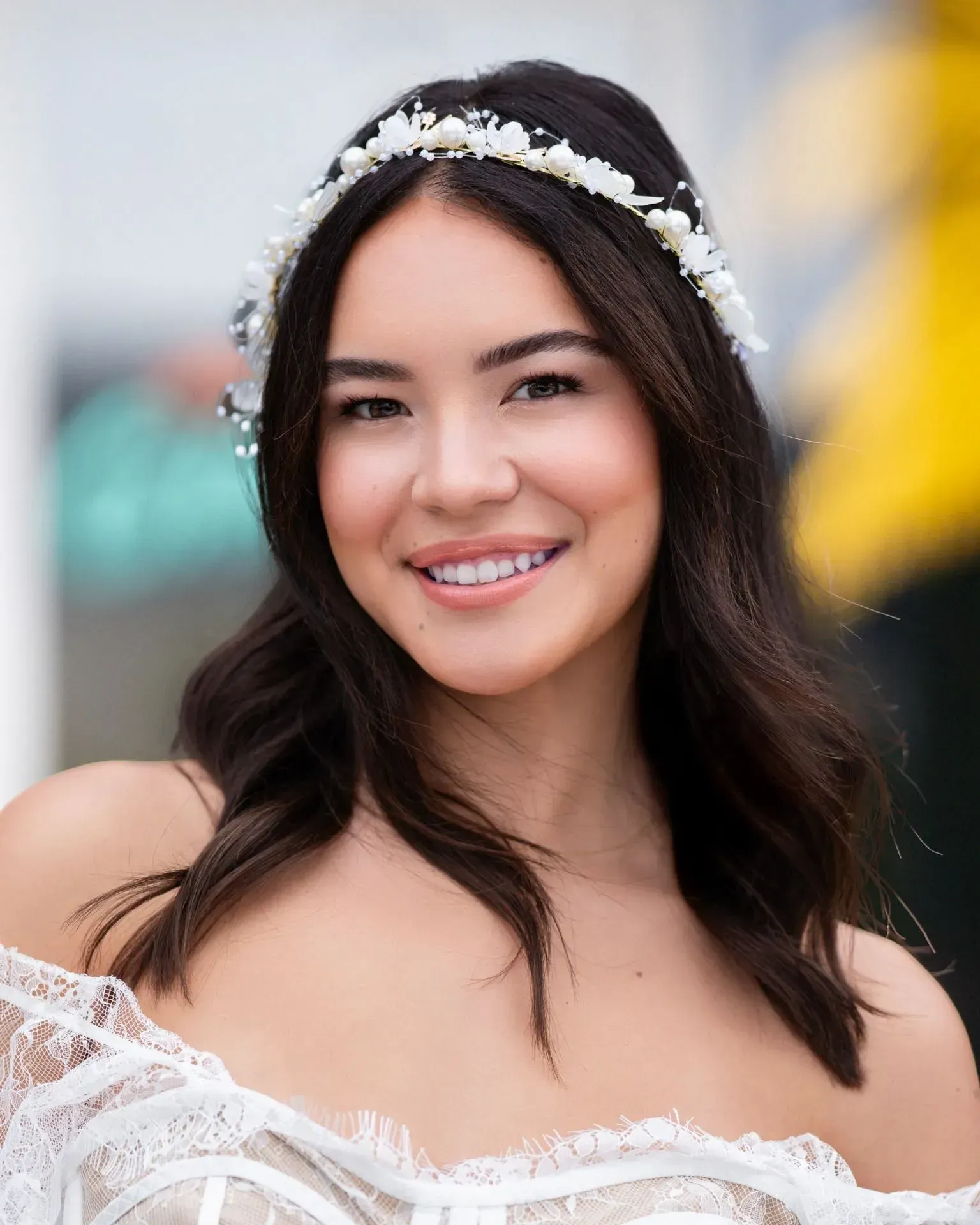
Most people do not need a bigger smile for their LinkedIn photo. They need a more genuine one. A forced smile often shows first in the eyes, where tension can create a disconnected expression even when the mouth appears cheerful.
Think about a person, client, or colleague you genuinely enjoy seeing. Take a breath, let your face reset, and allow the expression to arrive rather than holding it in place. A skilled photographer will often speak with you, adjust the pace, and capture the moment between poses when your expression softens into something authentic.
A closed-mouth smile can project composure and authority, particularly for senior leaders or more traditional fields. A teeth-showing smile often feels more welcoming and can be especially effective for client-facing professionals, educators, real estate advisors, recruiters, and founders. Neither is inherently better. Choose the expression that feels most like you at your best.
Eye contact matters just as much. Look into the lens, not at the photographer standing beside it, unless the intended image is deliberately environmental or editorial. Direct camera connection creates trust. It gives viewers the feeling that you are present, confident, and prepared to engage.
Avoid the common overcorrections
Many LinkedIn portraits miss the mark because the subject tries to correct every perceived flaw at once. The chin is lifted too high, the smile is held too long, the shoulders are pulled back too hard, or the face is turned so far that one eye appears much smaller than the other.
The most useful adjustment is usually the smallest one. Lower the shoulder. Turn your face back a fraction. Let your jaw relax. Shift weight. These subtle refinements create a portrait that looks elevated without losing authenticity.
Match the Pose to Your Professional Brand
Your LinkedIn photo should not exist separately from the rest of your visual presence. Consider where else the portrait will appear: your company website, speaker bio, proposal deck, press materials, recruiting profile, or social platforms. A consistent image system helps people recognize you and reinforces the care behind your work.
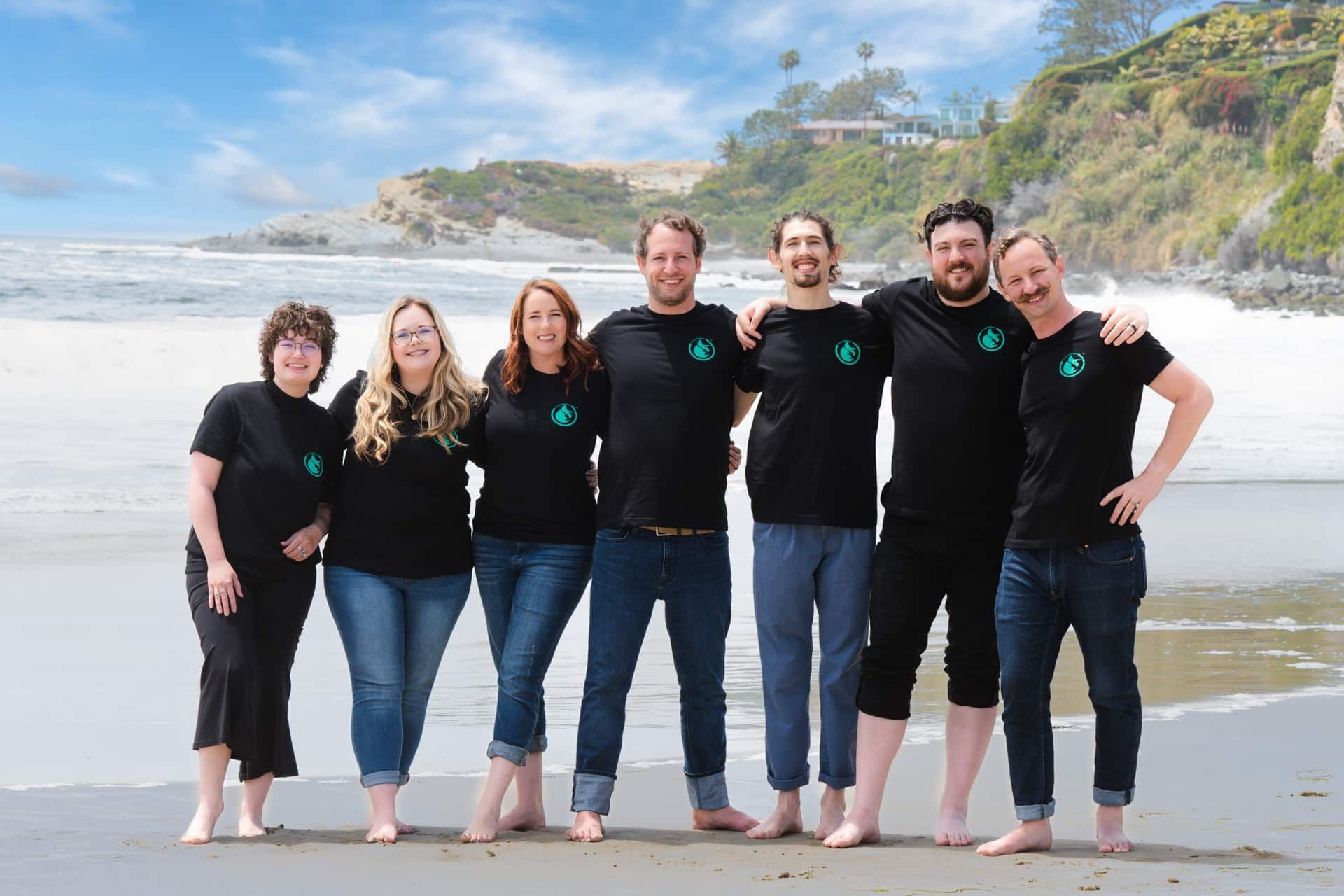
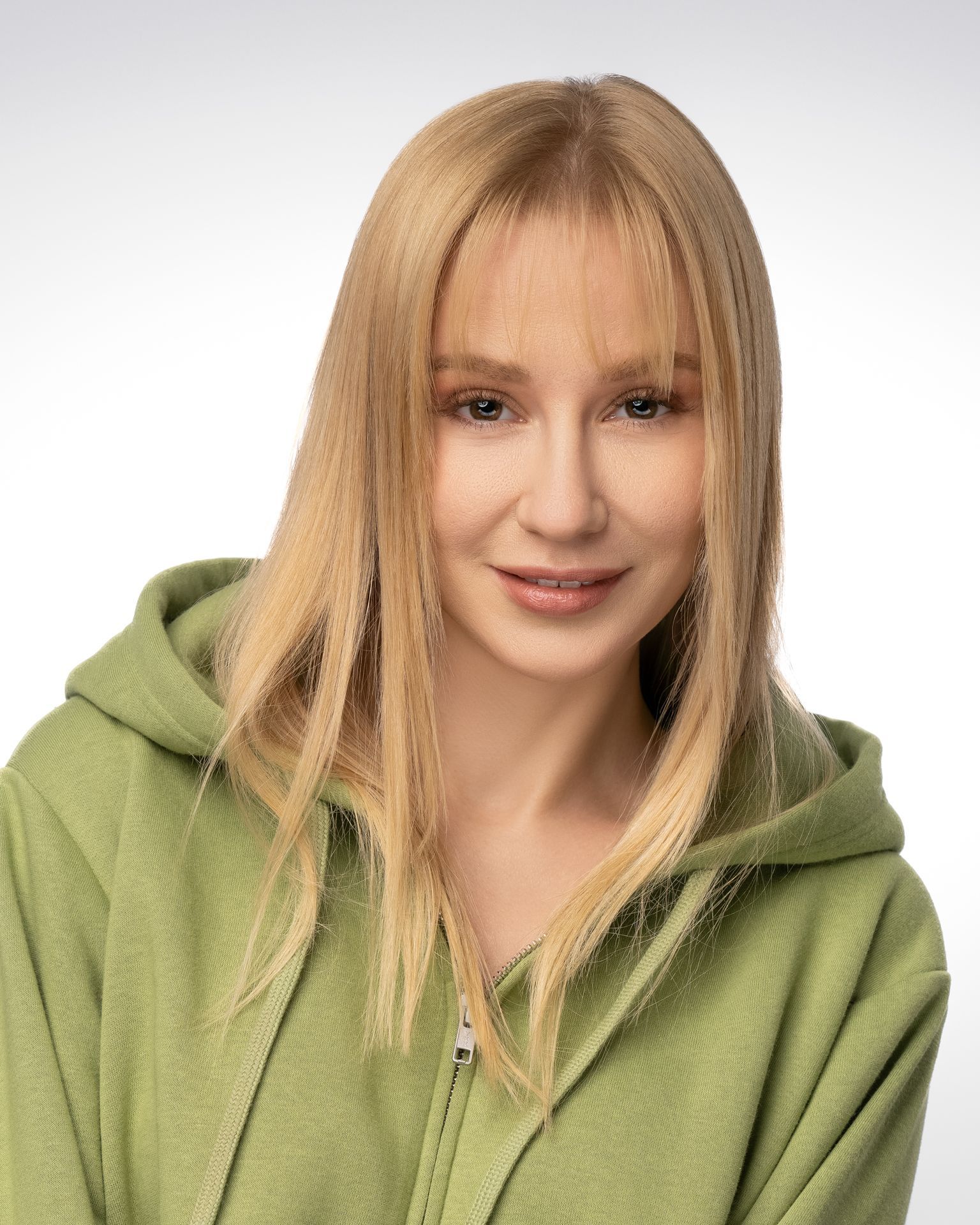
For executives and corporate teams, a clean head-and-shoulders composition with direct eye contact is often the most versatile choice. It reads well at small sizes, works across internal and external channels, and supports a unified company visual standard.
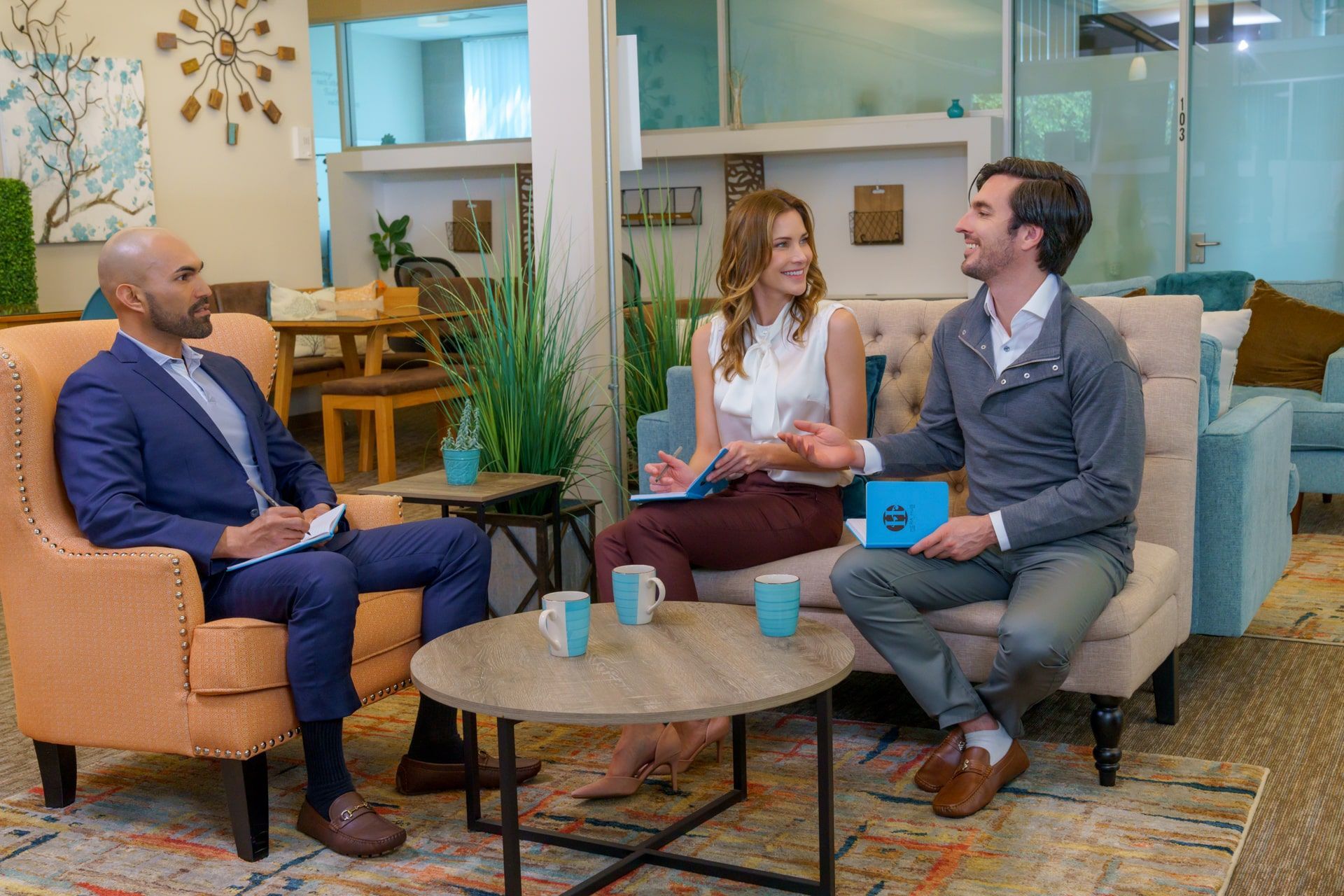
For founders, consultants, and personal-brand professionals, a slightly wider portrait may offer more room for personality. A relaxed standing pose, a refined office setting, or an architectural background can add context without becoming distracting. The environment should complement your story, not compete with it.
Actors, designers, and creative professionals may have more permission to introduce expression, texture, or movement. Even then, clarity remains essential. Your profile image still needs to identify you immediately when displayed as a small circle next to a comment, message, or search result.
Prepare for a More Natural Session
The best posing begins before the camera comes out. Wear clothing that fits well through the shoulders and allows you to move comfortably. A structured jacket can create strong lines, but it should not make you feel constrained. Solid colors and subtle textures typically photograph well, while tiny patterns, overly shiny fabrics, and large logos can distract from your face.
Give yourself enough time to arrive settled rather than rushed. A few minutes of conversation and professional direction can change the energy of a session completely. You do not need to know your best angles before you arrive. You need to be open to guidance, small adjustments, and a process designed around how you want to be seen.
At Art of Portraits, that process is treated as an intentional collaboration, from wardrobe and pose direction through proofing and polished retouching. The final image should still look like you, just with the clarity, confidence, and refinement that professional photography brings forward.
A Better Question Than “What Do I Do With My Face?”
Rather than asking how to hold a pose, ask what you want someone to feel when they see your photo. Reassured? Interested? Ready to start a conversation? Your answer will guide the right balance of expression, posture, styling, and setting.
A LinkedIn photo does not need to make you look like someone else. It should make your strongest professional presence easier to see.
Share